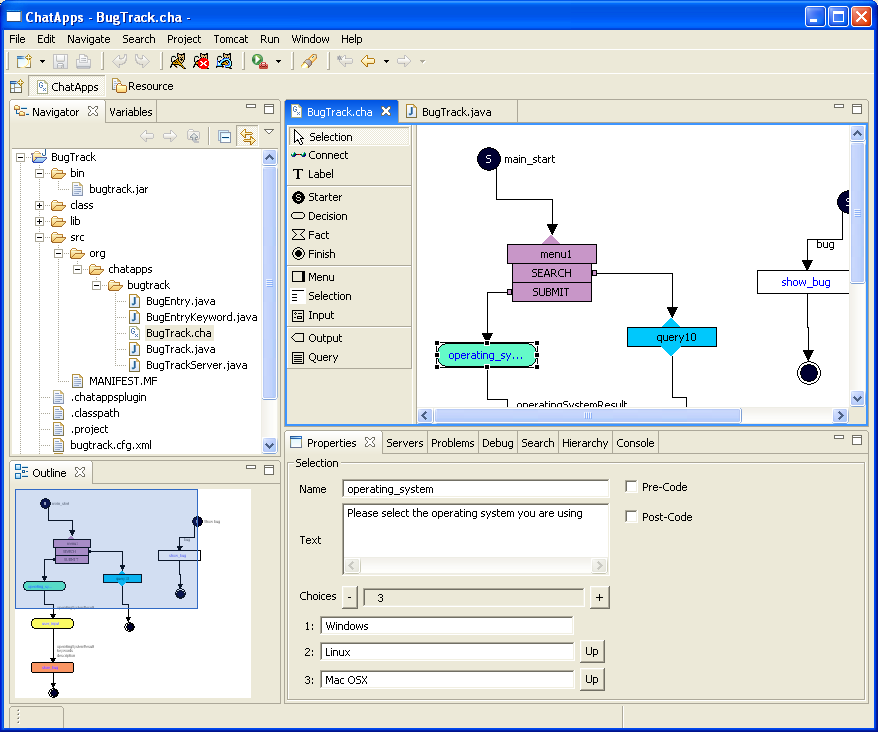
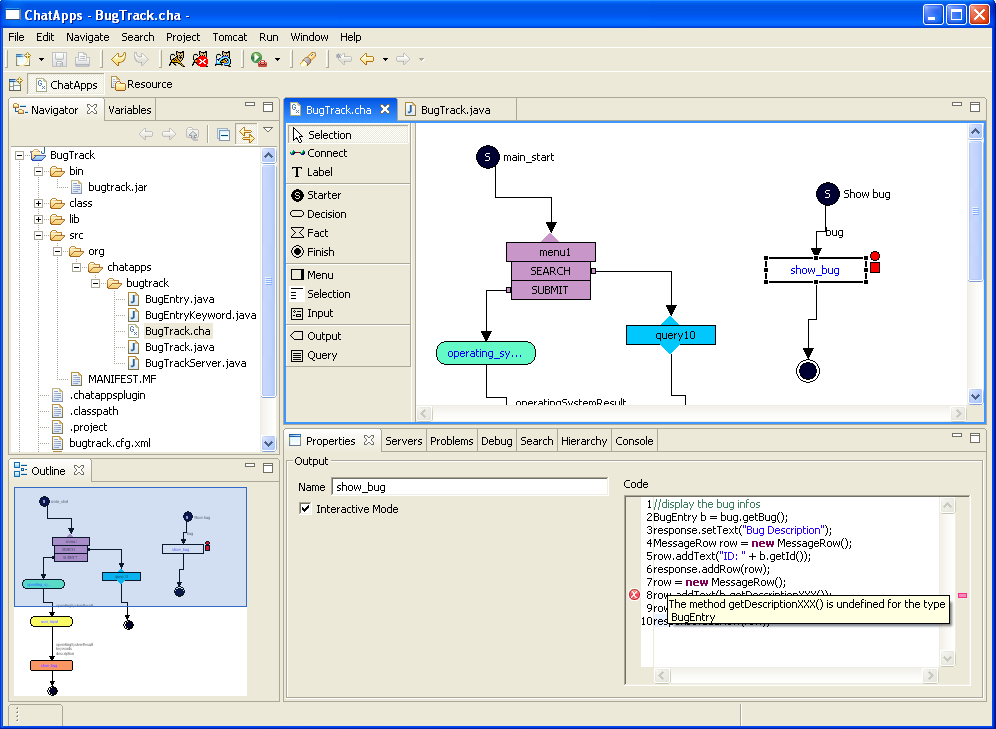
Please observe the tool tip text in the properties view, and the red exclamation mark near the node, indicating a compilation problem.
Other features of the inline code editor:
- Code highlighting
- Context sensitive code assist
- Code completition
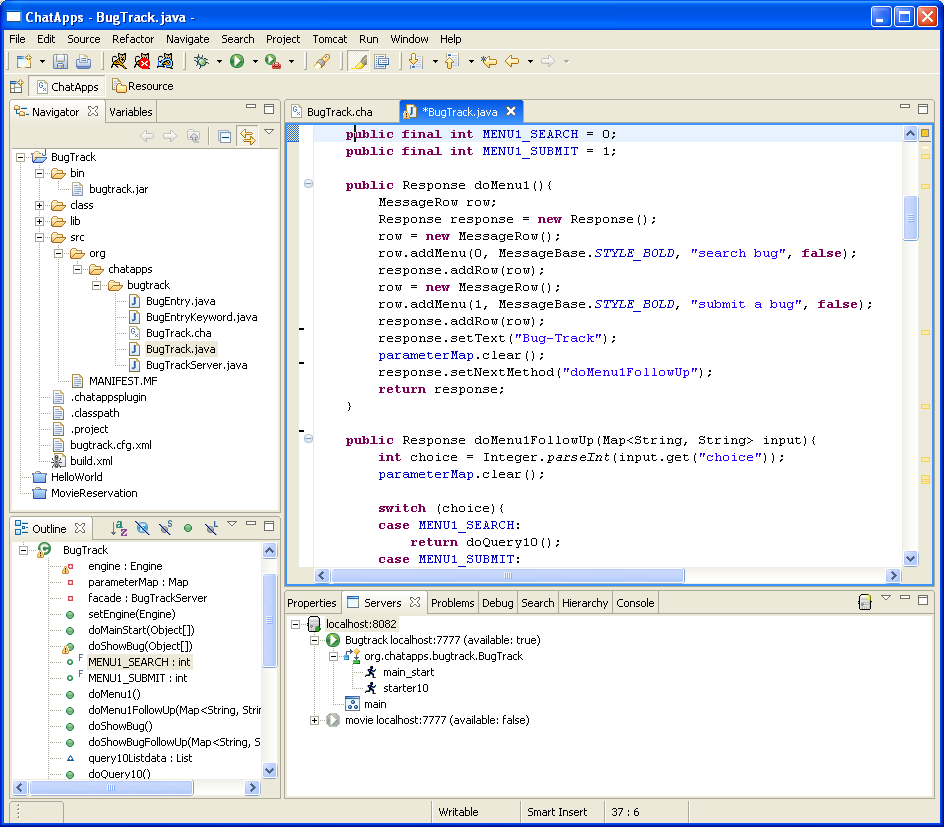
Here a view on the generated Java code. As with any Java code, you can debug it in real-time (using the Sysdeo Tomcat plugin)
The server administrator (lower part of the image) lets you view, deploy, enable/disable workflows.

Here a screenshot of a sample client (for searching/displaying Wikipedia articles). The toolbar is embedded in the Windows task bar